
How to Track a Phone When It's Lost or Stolen: Effortless Ways to Locate Your iPhone or Android Device
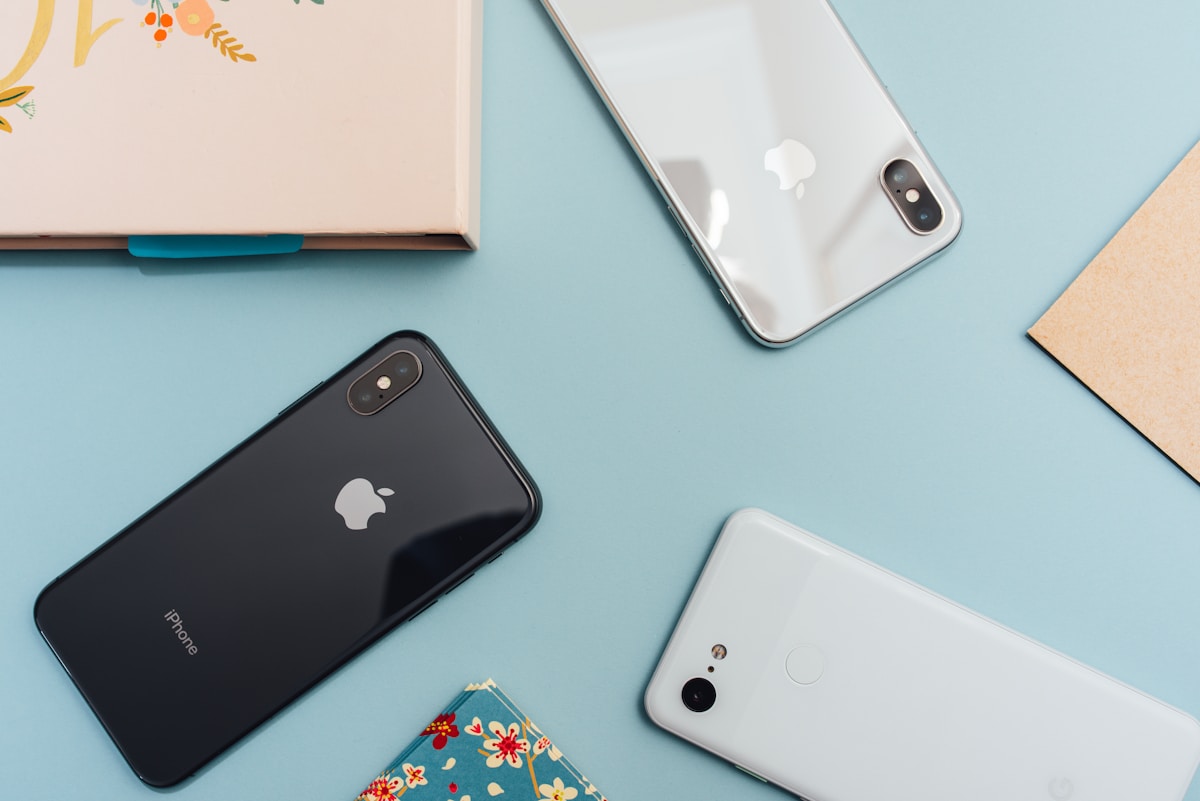
There's that heart-dropping moment we've all experienced — you reach into your pocket or bag, and your phone isn't there. The panic sets in immediately. Where did I leave it? Did someone take it? Is all my personal data now in a stranger's hands?
I've been there myself, and I can tell you that those first few minutes feel absolutely terrible. But here's the good news: modern smartphones come equipped with powerful tracking features that can help you locate your device quickly and efficiently. Whether you're using an iPhone or an Android device, there are multiple methods to track down your lost or stolen phone — and many of them are surprisingly simple to use.
In this comprehensive guide, I'm going to walk you through every effective method to track a lost or stolen phone. We'll cover both iPhone and Android solutions, discuss third-party options, and share essential tips to protect yourself before disaster strikes. By the end of this article, you'll have all the knowledge you need to recover your device and safeguard your personal information.
Why Phone Tracking Is More Important Than Ever
Our smartphones have become extensions of ourselves. They contain our banking apps, personal photos, private conversations, work emails, and countless other sensitive pieces of information. When a phone goes missing, it's not just the hardware we worry about — it's the treasure trove of personal data that could potentially fall into the wrong hands.
According to recent studies, approximately 70 million smartphones are lost each year, and only about 7% are ever recovered. That's a staggering statistic, but it doesn't have to apply to you. With the right preparation and knowledge, you can dramatically increase your chances of getting your phone back.
The key is understanding the tools available to you and, crucially, setting them up before you need them. Let's dive into the specific methods for each platform.
How to Track a Lost iPhone
Apple has built one of the most robust device-tracking ecosystems available. If you own an iPhone, you have access to several powerful tools that can help you locate your device, even if it's offline or powered off.
Method 1: Using Find My iPhone (iCloud)
Find My iPhone is Apple's official tracking service, and it's incredibly effective. Here's how to use it to locate your lost device:
Step 1: Access Find My from Another Device or Computer
You have two options here:
- Visit iCloud.com/find from any web browser
- Use the Find My app on another Apple device (iPad, Mac, or a friend's iPhone)
Step 2: Sign In to Your Apple ID
Enter the Apple ID and password associated with your lost iPhone. If you have two-factor authentication enabled (which you should), you may need to verify your identity.
Step 3: Select Your Device
Once logged in, you'll see a map with all your Apple devices displayed. Click on the device you're trying to locate.
Step 4: View Location and Take Action
If your iPhone is online, you'll see its current location on the map. From here, you can:
- Play Sound: Makes your iPhone play a loud sound, even if it's on silent mode — perfect for finding a phone that's somewhere in your house
- Mark As Lost: Locks your device, displays a custom message with your contact information, and tracks its location history
- Erase iPhone: Remotely wipes all data from your device — use this as a last resort if you believe your phone has been stolen and you can't recover it
Method 2: Find My Network (Offline Finding)
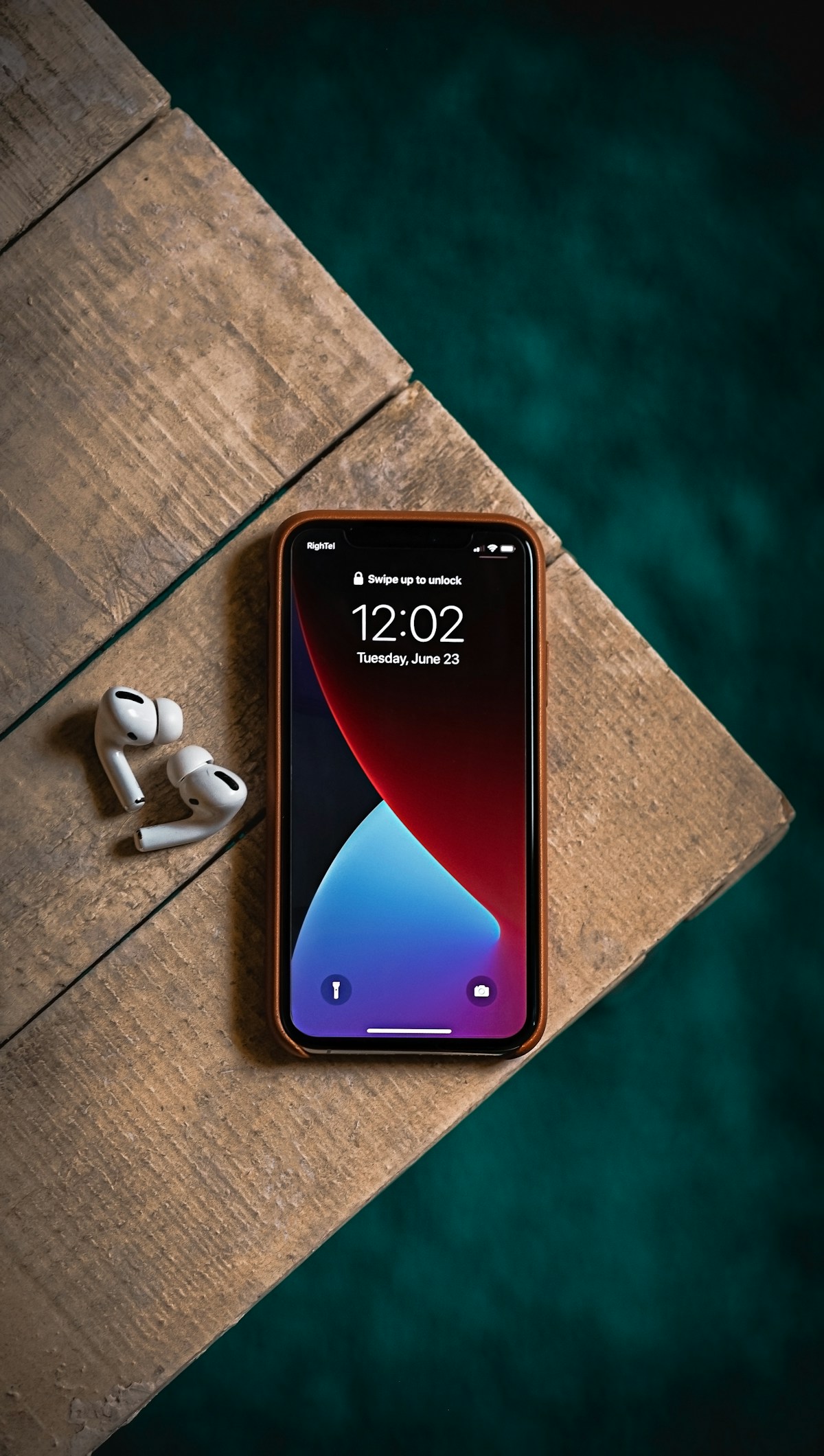
One of Apple's most impressive features is the ability to locate iPhones even when they're offline, powered off, or have a dead battery. This works through Apple's Find My network, which uses hundreds of millions of Apple devices worldwide to help locate your phone.
When enabled, your iPhone periodically sends out secure Bluetooth signals that can be detected by nearby Apple devices. These devices then anonymously relay the location of your iPhone to iCloud, allowing you to see where it is on a map.
To ensure this feature is enabled:
- Go to Settings on your iPhone
- Tap your name at the top
- Select Find My
- Enable Find My iPhone, Find My Network, and Send Last Location
Method 3: Using Siri on Another Device
If you have access to another Apple device signed into the same Apple ID, you can simply say, "Hey Siri, where's my iPhone?" Siri will then trigger the Find My feature and can even play a sound on your lost device.
Method 4: Ask a Friend to Help
If you don't have access to another Apple device, you can use a friend's iPhone to locate yours. Open the Find My app on their device, swipe up, and tap "Help a Friend." This will redirect to iCloud.com where you can sign in with your credentials.
How to Track a Lost Android Phone
Google offers similarly powerful tracking capabilities for Android devices. Here's how to find your lost or stolen Android phone:
Method 1: Google Find My Device
This is Google's official solution for locating lost Android phones, and it works remarkably well.
Step 1: Access Find My Device
You can access this service in two ways:
- Visit google.com/android/find from any web browser
- Use the Find My Device app on another Android phone or tablet
Step 2: Sign In to Your Google Account
Use the same Google account that's linked to your lost Android phone.
Step 3: Select Your Device
If you have multiple devices, select the one you're trying to locate from the list.
Step 4: View Location and Take Action
Once your device is located, you'll see its position on a map along with battery level and network connection status. You can then:
- Play Sound: Rings your phone at full volume for 5 minutes, even if it's set to silent
- Secure Device: Locks your phone with your PIN, pattern, or password. You can also display a recovery message and phone number on the lock screen
- Erase Device: Permanently deletes all data on your phone. Note that after erasing, you won't be able to locate the device anymore

Method 2: Samsung Find My Mobile (Samsung Devices Only)
If you're using a Samsung device, you have an additional tracking option through Samsung's own service.
To use Samsung Find My Mobile:
- Visit findmymobile.samsung.com
- Sign in with your Samsung account
- Select your device from the list
- View its location and use the available options
Samsung's service offers some unique features, including:
- Extend Battery Life: Remotely puts your phone in ultra power-saving mode to make the battery last longer
- Retrieve Calls/Messages: View recent calls and messages from your lost device
- Unlock: Remotely unlock your phone if you've forgotten your PIN (useful for lost but not stolen phones)
- Back Up: Save data from your phone to Samsung Cloud
Method 3: Google Maps Timeline
If you have Location History enabled in your Google account, you might be able to see where your phone has been. This can be helpful in determining where you might have lost it.
- Visit google.com/maps/timeline
- Sign in with your Google account
- Browse the timeline to see your recent locations
Method 4: Using Google Assistant
From any device where you're signed into your Google account, you can say "Hey Google, find my phone" or type the query into Google Search. Google will attempt to locate your device and can make it ring.
Third-Party Phone Tracking Apps
While the built-in solutions from Apple and Google are excellent, some people prefer additional third-party options for extra features or as a backup. Here are some reputable options:
Life360
Life360 is a family safety app that includes robust location tracking. It's particularly useful for families who want to keep track of each other's locations. The free version includes basic location sharing, while premium plans offer additional features like crash detection and roadside assistance.
Prey Anti Theft
Prey is a cross-platform solution that works on phones, tablets, and laptops. It offers features like remote locking, data wiping, and even the ability to take photos with the device's camera to potentially identify the thief.
Cerberus Anti Theft
Cerberus is a powerful Android-only security app with extensive anti-theft features. It can take photos of the person using your phone, record audio, and even survive a factory reset if installed as a system app.
iPhone vs. Android Phone Tracking: Comparison Table
| Feature | iPhone (Find My) | Android (Find My Device) |
|---|---|---|
| Real-time Location Tracking | Yes | Yes |
| Play Sound Remotely | Yes | Yes |
| Remote Lock | Yes (Lost Mode) | Yes (Secure Device) |
| Remote Erase | Yes | Yes |
| Offline Finding | Yes (Find My Network) | Yes (Android 15+) |
| Display Custom Message | Yes | Yes |
| Battery Level Display | Yes | Yes |
| Works When Phone is Off | Yes (iPhone 11+) | Limited |
| Web Access | iCloud.com | google.com/android/find |
| Cost | Free | Free |
What to Do If Your Phone Is Stolen
Finding out your phone was stolen rather than simply lost requires a different approach. Here's what you should do:
1. Don't Confront the Thief Yourself
I cannot stress this enough: never attempt to retrieve a stolen phone by confronting the person yourself. This can be extremely dangerous. Even if you can see exactly where your phone is on the map, contact law enforcement instead.
2. Report to the Police
File a police report as soon as possible. Provide them with:
- Your phone's make and model
- The IMEI number (you can find this on your phone's original box or your carrier account)
- The location data from Find My iPhone or Find My Device
- Any other relevant details about when and where it was stolen
3. Contact Your Carrier
Report the theft to your mobile carrier immediately. They can:
- Suspend your service to prevent unauthorized calls or data usage
- Blacklist your IMEI to prevent the phone from being used on any network
- Help you transfer your number to a new device
4. Change Important Passwords
Even with your phone locked, it's wise to change passwords for critical accounts, especially:
- Email accounts
- Banking and financial apps
- Social media accounts
- Any accounts with saved payment information
5. Enable Lost Mode or Secure Device
If you haven't already, enable Lost Mode (iPhone) or Secure Device (Android) to lock your phone and display a message.
6. Consider Remote Wiping
If you're confident you won't recover the phone and you're concerned about data security, you may want to remotely erase the device. Remember that this action is irreversible, and you won't be able to track the phone afterward.

Essential Prevention Tips: Protect Your Phone Before It Gets Lost
The best time to prepare for a lost phone is before it happens. Here are my top recommendations:
Enable All Tracking Features Now
Don't wait until your phone is missing. Enable Find My iPhone or Find My Device right now if you haven't already. On iPhone, also enable Find My Network and Send Last Location.
Use a Strong Lock Screen
A strong PIN, password, or biometric lock (Face ID or fingerprint) is your first line of defense against unauthorized access.
Keep Your Software Updated
Regular software updates include security patches that protect your device and data.
Back Up Your Data Regularly
Regular backups (to iCloud, Google Drive, or your computer) ensure you won't lose important data even if you can't recover your phone.
Record Your IMEI Number
Your phone's IMEI (International Mobile Equipment Identity) is a unique identifier that can help police and carriers track and block your device. You can find it by dialing *#06# on your phone. Write it down and keep it somewhere safe.
Consider Phone Insurance
Phone insurance or extended protection plans can help cover the cost of replacement if your phone is lost or stolen.
Recommendations Based on Your Situation
For iPhone Users:
- Enable all Find My features including Find My Network and Send Last Location
- Consider adding your devices to Family Sharing so trusted family members can help locate your phone
- Use a strong alphanumeric passcode rather than a simple 4-digit PIN
- Enable Face ID or Touch ID for convenient but secure access
For Android Users:
- Ensure Find My Device is enabled in your Google settings
- Samsung users should also set up Samsung Find My Mobile as a backup
- Consider a third-party app like Cerberus for additional features
- Enable Google Location History for timeline tracking
For Families:
- Consider family safety apps like Life360 that allow real-time location sharing
- Set up family sharing features on both platforms to help locate each other's devices
- Create a family plan for what to do if someone loses their phone
Frequently Asked Questions
Can I track my phone if it's turned off?
For iPhones (iPhone 11 and later), yes! Apple's Find My network can locate your device even when it's powered off, thanks to a low-power chip that continues to broadcast Bluetooth signals. For Android devices, tracking is limited when the phone is off, though some newer devices with Android 15+ are beginning to support similar offline finding features. In both cases, Find My will show the last known location before the device went offline.
Will tracking work if the SIM card has been removed?
Yes, as long as the phone is connected to Wi-Fi, you can still track it. Additionally, both iPhone (with Find My Network) and newer Android devices can be located using Bluetooth signals from nearby devices, even without any internet connection. However, if the phone is completely offline and not near other devices, you'll only see its last known location.
Can I track someone else's phone?
You can only track another person's phone if they've given you explicit permission through features like Family Sharing (Apple) or Google Family Link. Tracking someone's phone without their consent is illegal in most jurisdictions and is considered a violation of privacy. The methods described in this article are intended for locating your own devices or those you have legal authority over.
What should I do if I can see my phone's location but can't retrieve it?
If your phone is in a location where you can't safely retrieve it (like someone else's home or a business), do not attempt to get it yourself. Instead, contact local law enforcement and provide them with the location data. Many police departments will assist with phone recovery when you have clear evidence of the device's location. Keep your phone in Lost Mode so it remains locked and trackable.
Does factory reset remove the ability to track a phone?
Yes and no. A factory reset will remove the tracking apps and settings from the phone. However, on iPhones with Activation Lock enabled, the device remains locked to your Apple ID even after a reset, making it essentially useless to thieves. On Android devices, Factory Reset Protection (FRP) provides similar protection, requiring your Google account credentials to set up the phone after a reset.
Are third-party tracking apps safe to use?
Reputable third-party tracking apps from established companies are generally safe. However, you should always download apps only from official app stores (Google Play Store or Apple App Store), check reviews and ratings, review the permissions the app requests, and research the company behind the app. Avoid any app that promises to track phones without the owner's knowledge, as these are often scams or malware.
How accurate is phone location tracking?
Location accuracy varies depending on the method used. GPS tracking is typically accurate within about 3-5 meters under ideal conditions. Wi-Fi positioning is usually accurate within 15-40 meters. Cell tower triangulation can be accurate anywhere from 50 meters to several kilometers, depending on tower density. The Find My network (Apple) and similar crowd-sourced networks typically provide accuracy within 10-20 meters.
Conclusion
Losing your phone is stressful, but it doesn't have to be a disaster. With the built-in tracking features available on both iPhone and Android devices, you have powerful tools at your disposal to locate your phone and protect your data.
The key takeaways from this guide are simple but important:
- Prepare in advance by enabling Find My iPhone or Find My Device before you need them
- Know the steps to locate your device through iCloud.com or google.com/android/find
- Never confront a thief yourself — always involve law enforcement
- Protect your data by using strong passwords and remote locking features
- Back up regularly so you won't lose important files even if you can't recover your phone
I hope you never have to use the information in this guide, but if you do, you're now equipped with everything you need to track down your lost or stolen phone. Take a few minutes today to verify that your tracking features are enabled — future you will be incredibly grateful.
Stay safe, and may your phone always find its way back to you!
Disclosure: This article is provided for informational and educational purposes only. The methods described are intended for locating your own devices or those you have legal authority over. Tracking someone else's device without their consent may be illegal in your jurisdiction. The author and publisher assume no responsibility for any misuse of this information. Always contact law enforcement when dealing with stolen property rather than attempting to recover it yourself. Product features and availability may vary by region and are subject to change.